Customizable Dashboards and Workflow Control in RTN LAI 5
LAI 5 lets you control themes, organize tabs, and shape your workflow. Learn how customizable dashboards help lottery stores work faster and with fewer errors.
Every lottery store runs differently. Your morning routine isn’t the same as the shop three blocks over.
So why does your software force you into one rigid workflow?
LAI 5 breaks that pattern. The new lottery management software adapts to how you work — not the other way around.
Here’s how control over your dashboard and workflow changes everything.
Your Dashboard, Your Rules
LAI 4 gave you one view. Same layout. Same data. Same priorities.
If you needed different information, you dug through menus.
LAI 5 flips this completely.
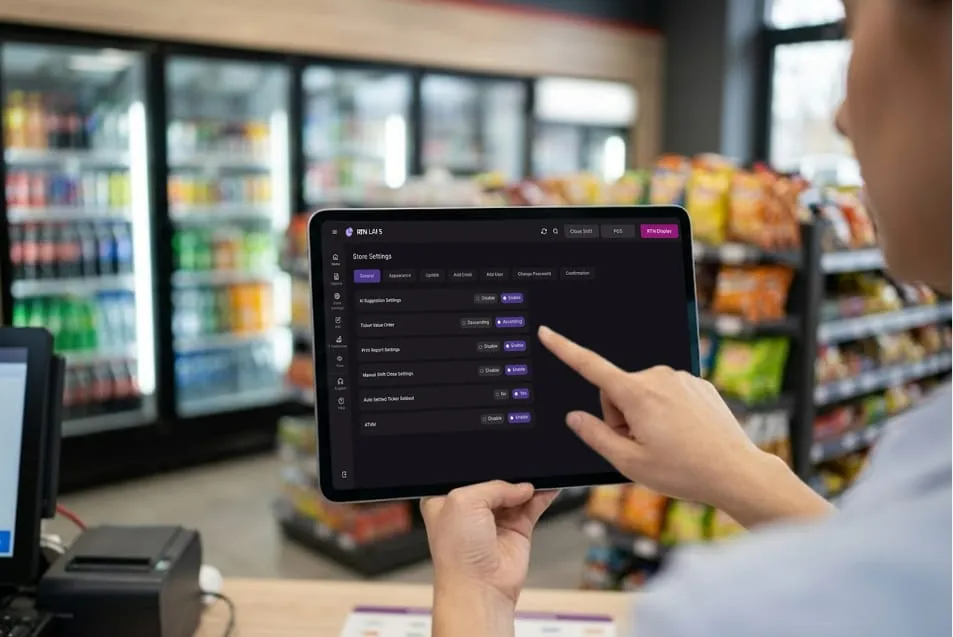
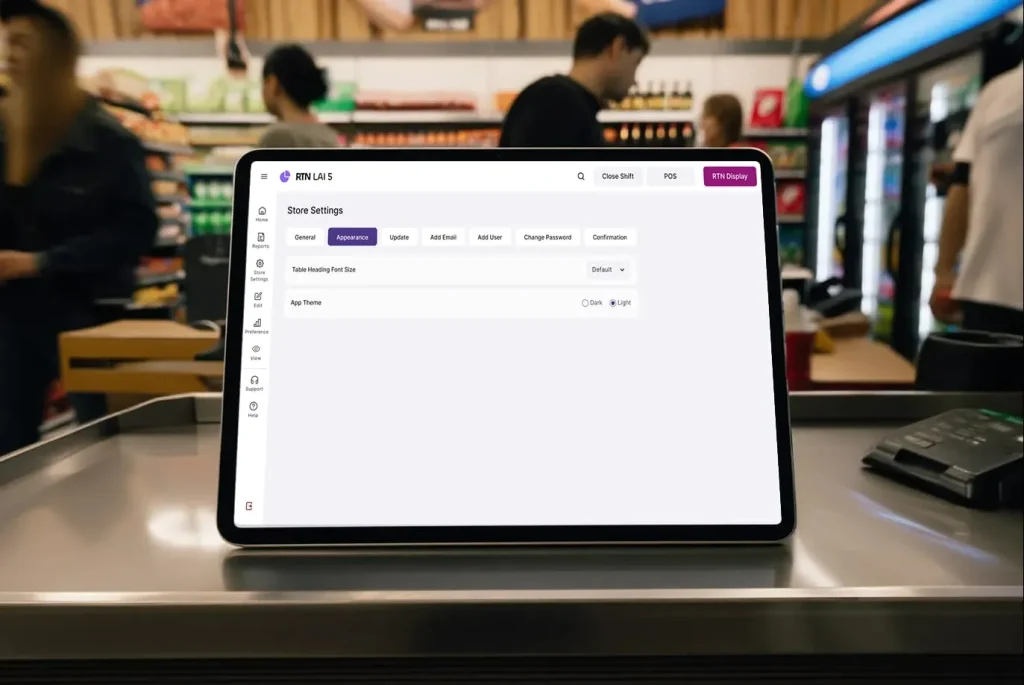
Theme control:
- Switch between dark and light modes
- Match your lighting conditions
- Reduce eye strain during long shifts
- Change themes anytime without disrupting work
Morning person? Light mode helps. Night owl running late shifts? Dark mode saves your eyes.
You pick what works. The system adapts.
Workflow That Follows Your Process
Most lottery software assumes all stores operate the same way. Check inventory, process sales, run reports — in that exact order.
But you don’t work that way.
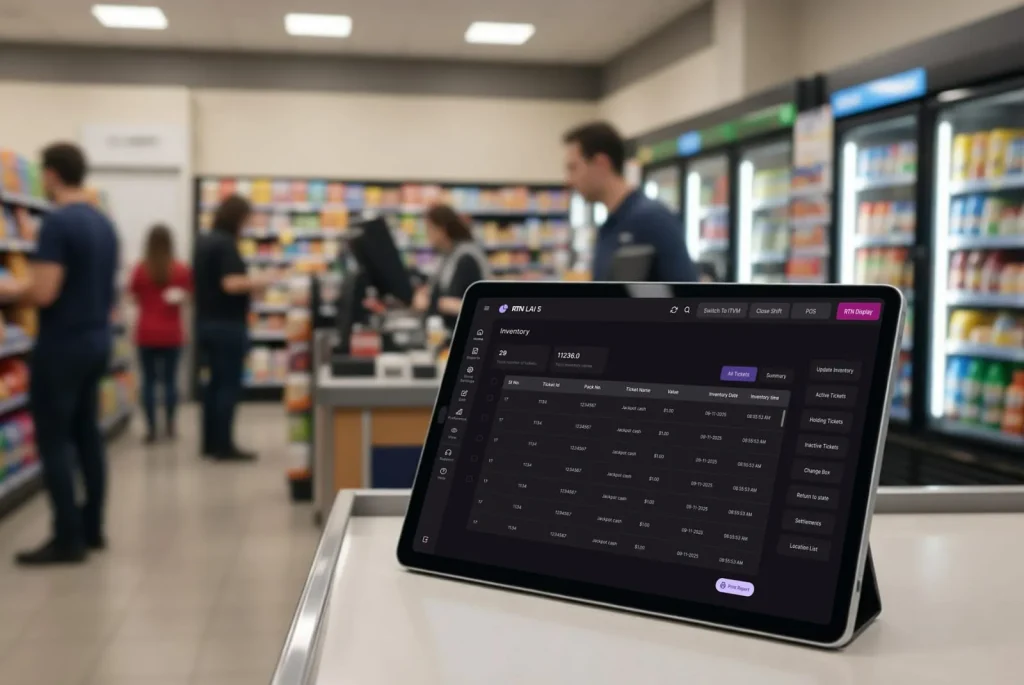
LAI 5’s structured approach:
- Clear action sidebar on every screen
- Grouped tasks by category
- Consistent button placement
- Fast access to your most-used functions
You build muscle memory. After a week, your hands know where to go. No thinking. No hunting. Just working.
Tab Organization That Makes Sense
Your tickets live in different states throughout their lifecycle.
LAI 5 gives you dedicated tabs:
- Active: Current tickets ready to sell
- Holding: Reserved or pending tickets
- Inactive: Temporarily removed from sale
- Sold Out: Completed inventory
- Returned: Tickets sent back
Each tab shows exactly what you need. No mixing. No confusion.
Click Active when a customer walks in. Check Sold Out during end-of-day counting. Review Returns when processing your weekly report.
One click. Right information. Every time.
Data Views Built for Different Tasks
Morning tasks need different data than closing procedures.
Inventory view:
- Ticket numbers
- Remaining stock
- Price points
- Status indicators
Sales view:
- Transaction history
- Payment methods
- Customer references
- Time stamps
Financial view:
- Revenue totals
- Payout tracking
- Commission calculations
- Daily summaries
Same system. Different lenses. You see what matters for the task at hand.
Action Panel Control
Old systems scattered buttons across the screen. Update here. Delete there. Process way over there.
LAI 5 puts every action in one place.
This sidebar travels with you across every screen. Same position. Same layout. Same speed.
Your workflow becomes automatic.
Form Customization for Speed
Different tasks need different information.
Quick inventory update:
- Ticket number
- Count
- Status
- Done
Detailed return process:
- Ticket details
- Return reason
- Refund amount
- Authorization code
- Customer signature
LAI 5 shows you exactly the fields you need. Nothing extra. Nothing missing.
Forms load fast. Fields appear in logical order. You move top to bottom without backtracking.
Data entry speed doubles.
Three Ways to Control Your Workflow
1. Set Your Visual Preference
Pick dark or light mode based on your environment. Your choice sticks until you change it.
2. Organize by Priority
Use tabs to separate ticket states. Focus on what matters right now. Everything else stays out of view.
3. Build Muscle Memory
Consistent action placement trains your hands. After two weeks, you stop thinking about where buttons live.
These three controls combine into smooth, fast work.
Navigation Speed Gains
We measured how long common tasks took in LAI 4 versus LAI 5.
Time to complete:
| Task | LAI 4 | LAI 5 | Saved |
|---|---|---|---|
| Update 10 tickets | 4 min | 2 min | 50% |
| Process 5 returns | 6 min | 3 min | 50% |
| Run daily report | 3 min | 90 sec | 50% |
| Check ticket status | 45 sec | 20 sec | 56% |
Half the time. Same accuracy. Less mental load.
During busy seasons, this adds up to hours saved weekly.
Built for Your Team
Different employees have different comfort levels with technology.
LAI 5 works for everyone:
- New hires find clear labels and logical flow
- Veterans use muscle memory from consistent placement
- Morning shift prefers light mode
- Night shift switches to dark mode
One system. Multiple working styles. No conflict.
Training new staff takes days instead of weeks. They see where things live. They understand the pattern. They start working independently faster.
Real Store, Real Control
A gas station in Ohio runs lottery sales differently than a convenience store in Texas. A small shop handles 20 tickets daily. A busy location processes 200.
LAI 5 doesn’t care.
The system scales to you:
- Handle low volume without feeling empty
- Manage high volume without slowing down
- Switch between tasks without mental reset
- Work your way, not a prescribed method
Your store. Your rules. Your workflow.
Why Control Matters
Software that dictates your process creates friction. You fight the tool instead of using it.
RTN LAI 5 removes that fight.
What you gain:
- Faster task completion
- Lower training time
- Reduced operator fatigue
- Better accuracy under pressure
You stop adapting to software. Software adapts to you.
That’s the difference between a tool and a partner.
The Bottom Line
Customizable doesn’t mean complicated. It means flexible.
LAI 5 gives you theme control, organized tabs, consistent actions, and smart forms — all working together to match your natural workflow.
You work faster. Your team adapts quicker. Your daily operations smooth out.
Control over your dashboard means control over your day.
Take Control of Your Workflow
LAI 5 is ready for your store. The new dashboard is waiting.
Set up your preferred theme. Organize your tabs. Build your workflow. See how control over your system transforms your daily routine.
Your store deserves software that bends to you.
Start using LAI 5 today.