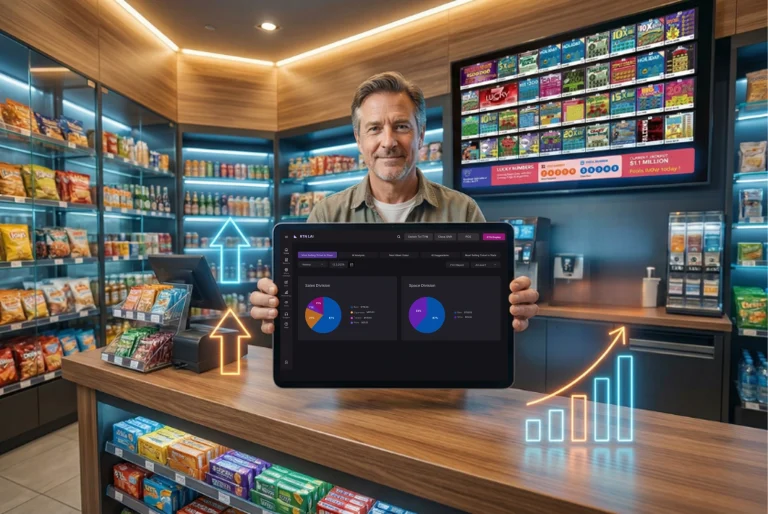
How RTN LAI 5 Redefines Daily Lottery Store Workflows
RTN LAI 5 delivers dark mode, flexible dashboards, and cleaner workflows that reduce errors, save time, and make every lottery store shift easier to manage.
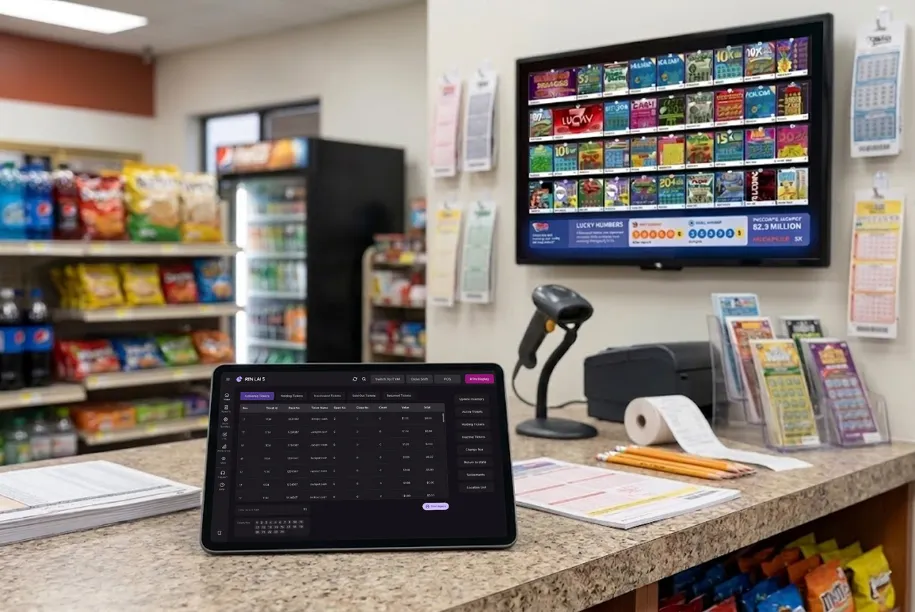
Are you still clicking through cluttered screens just to check ticket status? That daily grind costs you time — and money.
RTN LAI 5 changes that. This is the biggest redesign the platform has seen since it launched. It’s not just a new coat of paint. Every screen was rebuilt with one goal: help you run your store faster, with fewer mistakes.
Here’s what that looks like in practice.
Your Store Never Slows Down
Long shifts are tough. Staring at a bright, cluttered screen for hours makes it worse.
RTN LAI 5 ships with both Dark Mode and Light Mode. You pick what works best for your environment — whether it’s a bright morning rush or a quiet closing shift.
- Less eye strain over long hours
- High contrast for fast readability
- Switch modes instantly with no lag
That alone changes how your team feels at the end of a shift.
Stop Hunting for Buttons
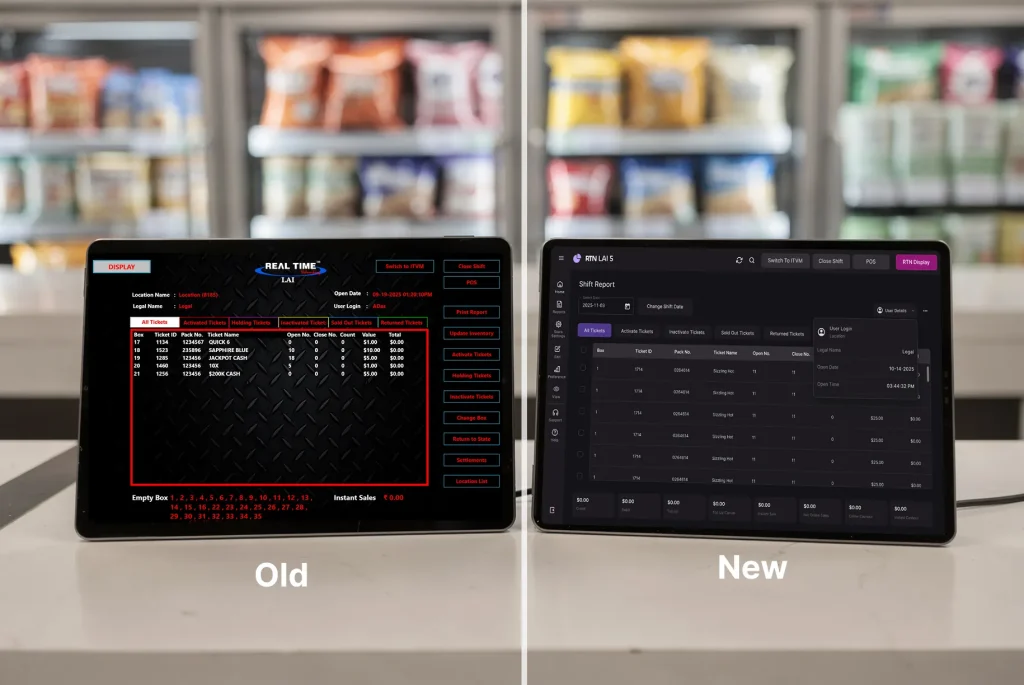
In older versions, action buttons were scattered across the screen. You had to remember where things were.
LAI 5 fixes this with a structured action sidebar — a clean vertical panel on the right side of the screen. Everything you need is grouped in one spot.
| Old Experience | LAI 5 Experience |
|---|---|
| Buttons scattered across screens | One action panel, always visible |
| Multiple clicks to find a function | One-click task access |
| Easy to miss steps | Context-based actions shown when needed |
| More room for mistakes | Fewer errors, faster work |
This is where good lottery management software pays off — not in flashy features, but in cutting the steps between you and getting things done.
Dashboards That Match How You Work
No two stores run the same way. Some owners focus on inventory first. Others care more about sales or pack status.
LAI 5 lets you adjust dashboards so the most important data sits right in front of you.
You can:
- Prioritize ticket status panels
- Highlight alerts that matter to your workflow
- Reduce clutter by hiding sections you don’t use often
- Keep frequently used tools within one click
This level of control removes friction. You stop adapting to the software. The software adapts to you.
3 Ways LAI 5 Speeds Up Your Day
Step 1 — Open and scan faster
The new data table layout has clean spacing, bold headers, and aligned columns. You read ticket data at a glance without squinting at crowded rows.
Step 2 — Update inventory without the headache
RTN LAI 5 replaced heavy popups with a focused center modal. Fields follow a logical order. You enter data quickly and move on.
Step 3 — Find any ticket status in seconds
Tickets are grouped into clear tabs: Active, Holding, Inactive, Sold Out, and Returned. You know exactly where to look every time.
Workflow Control That Reduces Stress
Speed matters. Control matters more.
LAI 5 improves workflow flow by showing actions only when they are relevant. When you open a ticket pack, you see only the actions tied to that pack. When you move to another task, options change automatically.
This reduces mental load. Your staff does not have to think about what comes next. The system guides them.
That means:
- Fewer skipped steps during busy hours
- Less confusion for new employees
- Faster training time
- More confidence at the counter
Over time, these small gains add up to smoother daily operations.
A Calmer Screen Means Fewer Mistakes
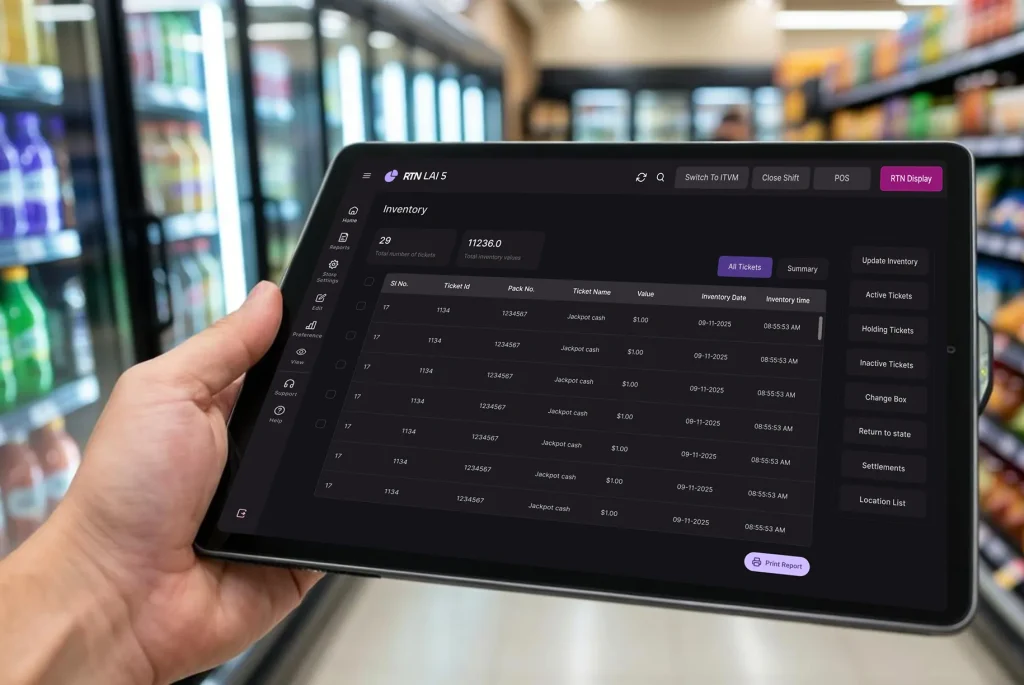
Old interfaces used heavy textures, strong colors, and too many borders. Your eye didn’t know where to focus. That visual noise slows decisions and opens the door to errors.
LAI 5 removes that noise. The result is a calm, structured layout that guides attention to what matters.
What that gives you:
- Better focus during rush periods
- Faster decisions at the counter
- Fewer steps skipped under pressure
- Less mental fatigue by end of shift
Built for Today. Ready for Tomorrow.
LAI 5 isn’t just a design refresh. Under the hood, it uses a component-based system built for growth. New features can be added without breaking what you already know.
You are not relearning software every few months. You are building on a stable base that grows with your store.
Quick recap of what changed:
✅ Dark & Light Mode for any environment
✅ Clean action sidebar — no more button hunting
✅ Custom dashboards that match your workflow
✅ Smarter data tables for faster scanning
✅ Focused modals for quick updates
✅ Clear ticket status grouping
✅ Guided actions that reduce errors
The Bottom Line
Running a lottery store means moving fast, staying accurate, and keeping customers happy. LAI 5 was built around exactly that.
Less clutter. Less confusion. More control over your day.