10 Steps to Launch Smart Lottery Display Strategies in Your C-Store
Want to boost sales and automate operations at your store? Follow these 10 easy steps to launch a smart online lottery station that drives results.”
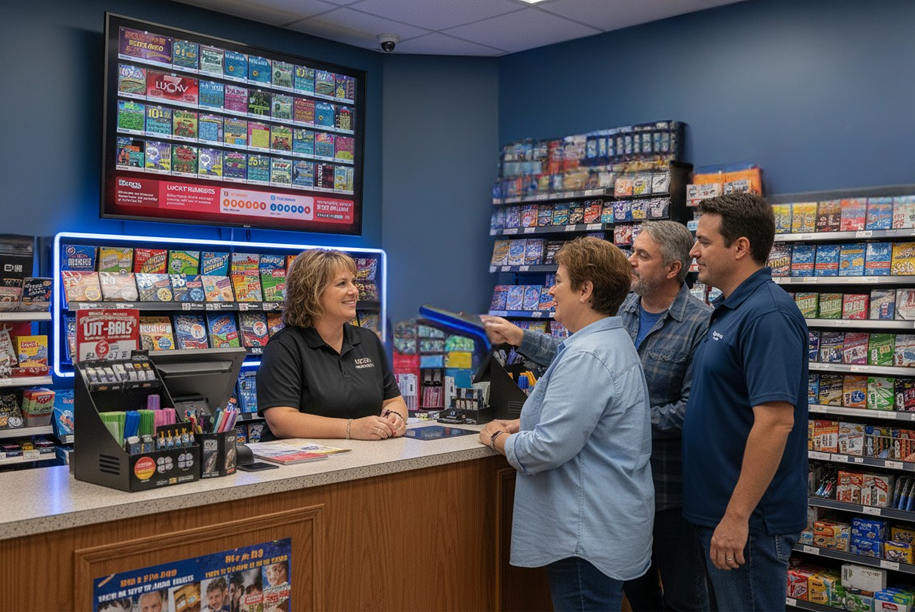
Ever wondered how your lottery counter could bring in more foot traffic and repeat customers?
Many C-Store owners are already seeing up to 15% higher ticket sales after switching to an online lottery system that connects displays, sales data, and customer engagement.
Here’s your quick 10-step checklist to launch a smart lottery station that earns more with less effort.
Step 1 — Set Clear Goals
Start by defining what success looks like—higher ticket sales, better payout tracking, or faster reconciliations.
Your lottery management software solutions should measure:
- Sales by game or shift
- Payout ratios
- Unclaimed ticket data
A clear target helps your team stay focused from day one.
Step 2 — Choose a Reliable Online Lottery System
- Look for an online lottery system that syncs with your POS and back-office.
- It should automate reconciliations, update results instantly, and create detailed reports for each draw.
- A connected setup reduces manual entry errors and saves hours every week.
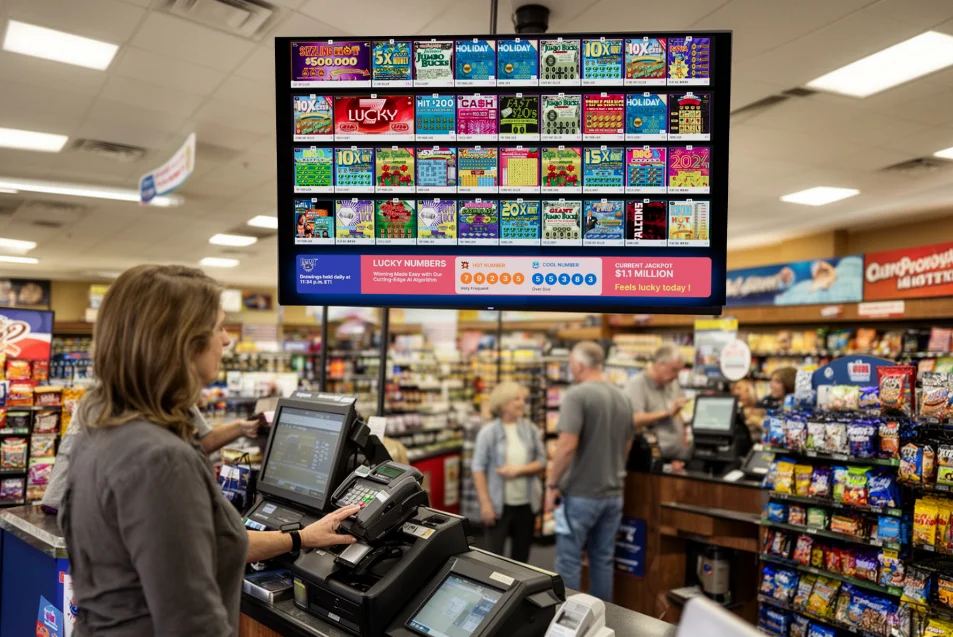
Step 3 — Apply Proven Convenience Store Lottery Display Strategies
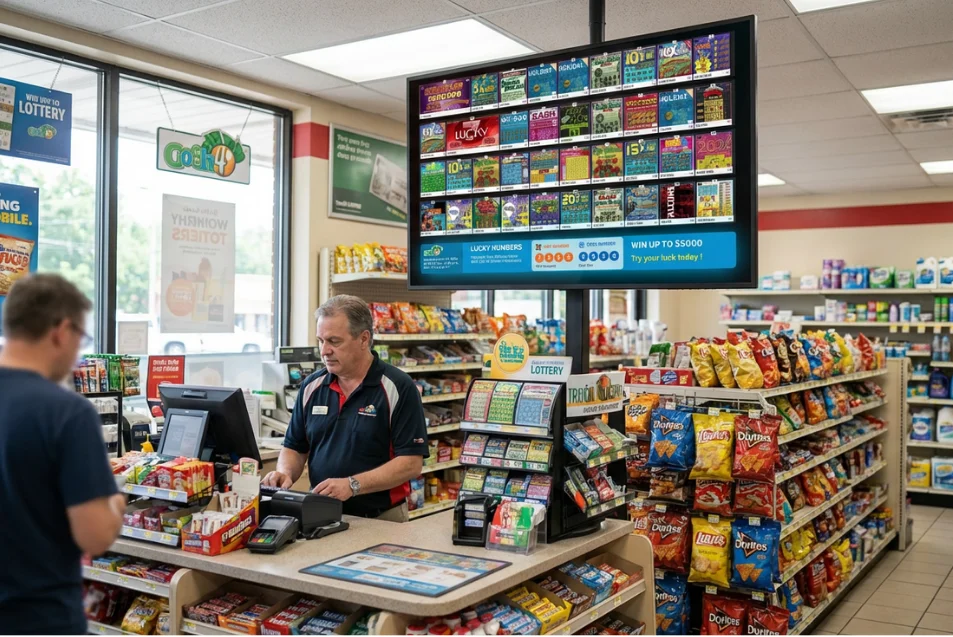
Your display is your silent salesperson.
Use these convenience store lottery display strategies to turn attention into sales:
- Place screens near checkout lines and beverage coolers.
- Rotate jackpots and winner announcements every 20–30 seconds.
- Highlight current top-selling games in bold colors.
- Display QR codes for instant ticket scans and loyalty sign-ups.
Smart convenience store lottery display strategies help you sell more tickets without saying a word.
Step 4 — Connect Digital Displays with Sales Data
When your online lottery system links with displays, you get real-time insights.
Push promotions during peak hours, compare weekday vs. weekend traffic, and track which visuals perform best.
Step 5 — Train Your Team
Your team is key to consistent results.
Use your lottery management software solutions to run short tutorials on scanning, ticket payouts, and shift reports.
Train cashiers to remind players about jackpots and QR wallet offers.
Step 6 — Automate Reporting and Reconciliation
A strong online lottery system automates reconciliation in minutes.
No more manual tallying or end-of-day confusion—reports are ready, accurate, and audit-friendly.
Tip: Schedule auto-reports to your email so you always stay updated.
Step 7 — Use Data to Refine Strategies
Your dashboard tells a story—listen to it.
Identify your best-performing games and promotions through your lottery management software solutions.
Then, apply new convenience store lottery display strategies based on real-time trends.
Step 8 — Promote with Targeted Offers
Run short-term promos through your display screens and QR wallets.
Example: “Buy 2 instant tickets, get $1 off a drink.”
Your online lottery system can automate these triggers by time, game, or location.
Step 9 — Monitor, Review, and Adjust
Review analytics weekly:
- Ticket sales by time
- Game popularity
- Screen engagement rates
Small adjustments in display placement and messaging can make a big difference in overall sales.
Step 10 — Keep Customers Engaged
Engagement keeps them coming back.
Rotate jackpot news, share local winners, and promote loyalty bonuses through your displays.
With lottery management software solutions, you can personalize offers and celebrate every small win.
Ready to Launch Your Smart Lottery Station?
Set up your displays, connect your online lottery system, and start tracking results today.