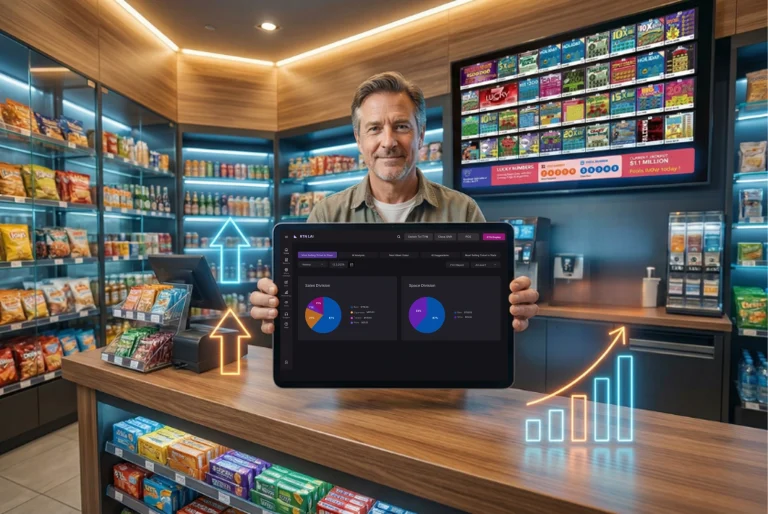
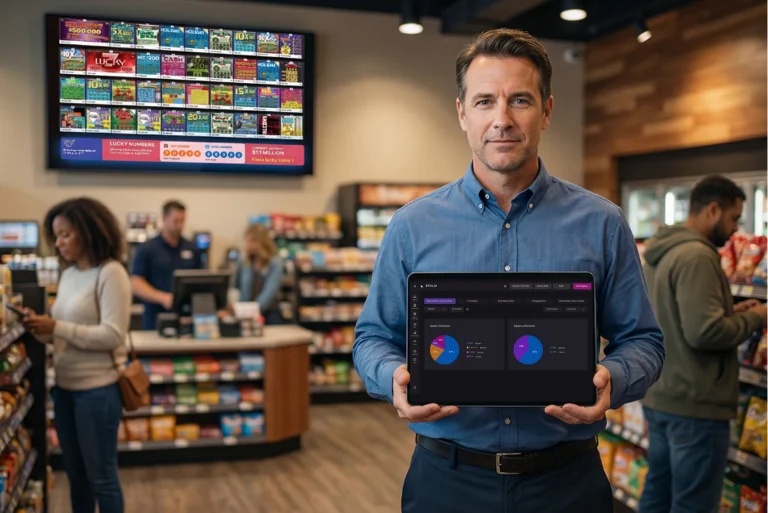
Faster Navigation and Reduced Operational Steps in RTN LAI 5
RTN LAI 5 reduces clicks, clears clutter, and speeds up daily lottery tasks. See how the redesigned interface helps store owners work faster with less effort.
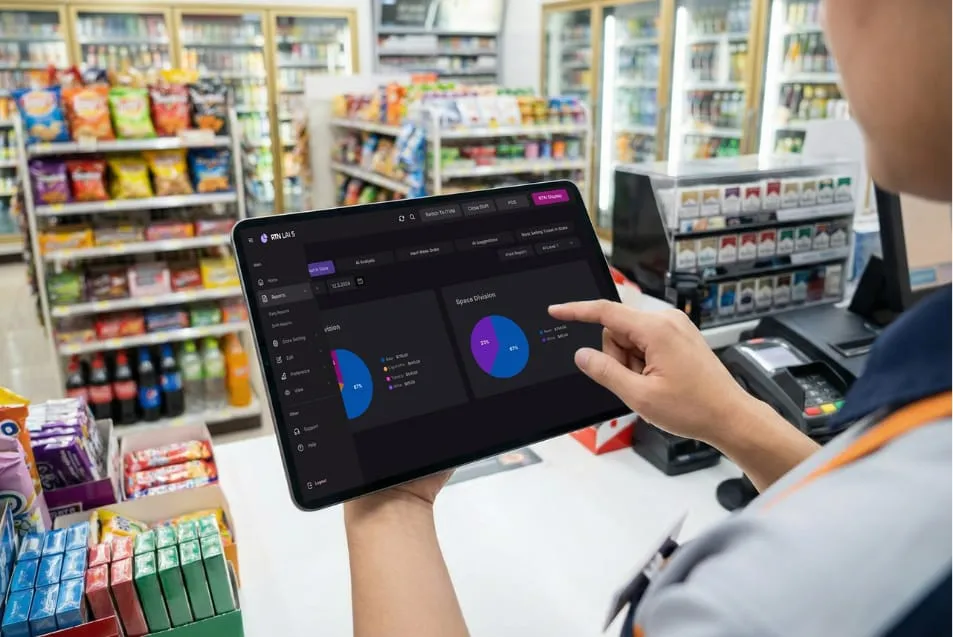
Are you tired of hunting through menus to do something simple? If managing your lottery counter feels like a daily workout in button-chasing, you’re not alone. RTN LAI 5 was built to fix exactly that.
The Old Way Was Slowing You Down
Too many clicks. Buttons scattered across the screen. Forms that took forever to fill. By the end of a busy shift, even small frustrations pile up.
Store owners kept saying the same thing: the system worked, but it didn’t feel smooth. Tasks took longer than they should. Staff needed extra time to learn where things were. When a system slows you down even slightly, the effect repeats all day. Minutes turn into hours over a week. LAI 5 changes that by focusing on how work actually happens behind the counter.
What’s New in RTN LAI 5 Navigation
RTN LAI 5 introduces a cleaner way to move through daily tasks. You notice the difference the moment you log in.
- Logical tab structure — Active, Holding, Inactive, Sold Out, Returned — grouped clearly
- Context-based action panels — the right options appear when you need them
- Fewer clicks to complete tasks — no more searching through menus
- Smoother screen transitions — less waiting between steps
The layout now guides you instead of forcing you to think about where to click next. Even new users can understand the flow quickly without long training sessions.
3 Ways RTN LAI 5 Cuts Your Workload
Step 1 — Find it fast
Navigation groups everything by section. You always know where to go. No guessing. No wasted seconds scanning the screen.
Step 2 — Act from one place
The structured action sidebar keeps operations in one vertical panel. Instead of buttons spread everywhere, you work from a single control area. That alone removes confusion for new staff and reduces mistakes during busy hours.
Step 3 — Enter data with less effort
Modal-based forms are cleaner and more focused. Fields follow a natural order. You move through them quickly without second-guessing what comes next. Less mental effort means faster completion and fewer corrections later.
Side-by-Side: Before vs. After
| Area | Old LAI | RTN LAI 5 |
|---|---|---|
| Navigation | Scattered, hard to follow | Grouped tabs, clear sections |
| Action buttons | Spread across the screen | Centralized action sidebar |
| Data entry forms | Cluttered, slow to fill | Focused modal, fast input |
| Data tables | Tight spacing, hard to read | Clean layout, easy to scan |
| Visual noise | High — too much competing | Low — calm and structured |
Less Noise. More Focus.
One of the biggest improvements is what disappeared. Heavy textures. Strong colors fighting for attention. Crowded layouts. All removed.
What remains is a calm interface that lets you concentrate on tickets and customers. When you handle hundreds of transactions daily, visual clarity matters. Fewer distractions mean fewer mistakes.
The new data tables show this clearly. Better spacing, stronger headers, and defined columns help you scan batches quickly. You spend less time searching and more time completing work.
Built for Real Store Operations
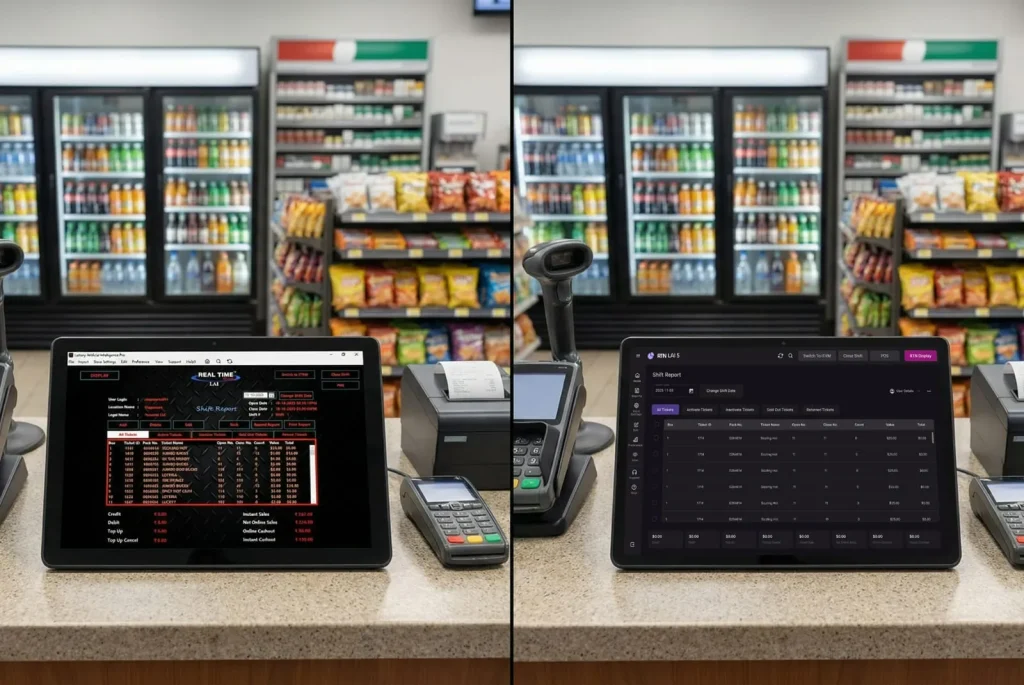
RTN LAI 5 wasn’t redesigned just for appearance. It was shaped around real store routines.
If you rely on lottery management software to track inventory and sales, speed and clarity are not optional. Staff need to move quickly during rush hours without hesitation. LAI 5 supports that by reducing steps and keeping tools within reach.
Dark mode and light mode are also included. Whether you’re opening early or closing late, the screen stays comfortable to view for long periods. Reduced eye strain also helps staff stay accurate during long shifts.
What This Means for Your Day
Each improvement points toward one outcome: finishing tasks faster with less effort.
- Faster inventory updates
- Quicker access to ticket data
- Cleaner forms that reduce entry errors
- A layout that guides your eyes naturally
- Shorter training time for new employees
- Less back-and-forth between screens
Small time savings across many actions add up to a smoother shift overall. Over weeks and months, this can translate into real productivity gains without adding extra staff hours.
A Simpler Way to Work
Good tools should stay out of your way. When navigation feels natural, you stop thinking about the software and focus on customers.
RTN LAI 5 moves you closer to that experience by removing friction from everyday operations. The goal is simple: help you complete tasks with confidence and consistency every time you use the system.
Start Working Smarter Today
RTN LAI 5 is ready to use. If you want to see the new interface in action, book a demo or contact the RTN support team to get started.
Less effort. More done. That’s the goal.